Custom Order Games for PlayStation and Xbox — Turkey & Ukraine
We buy the game on your account at Turkish or Ukrainian store prices: PS4 & PS5 — both regions, Xbox — Turkish Microsoft Store. Check the price in the calculator — fee is shown upfront, no hidden charges.
Game Catalog
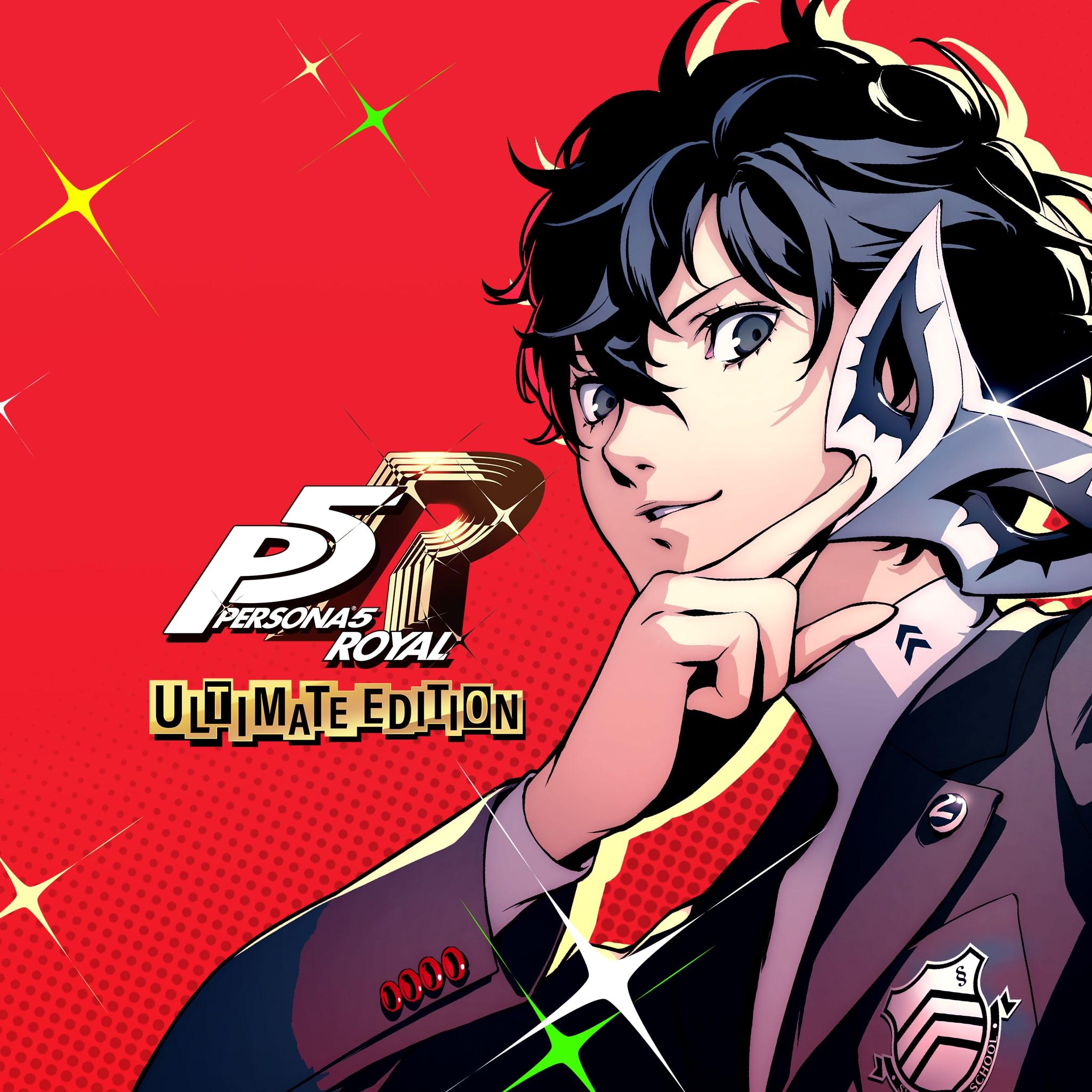 discount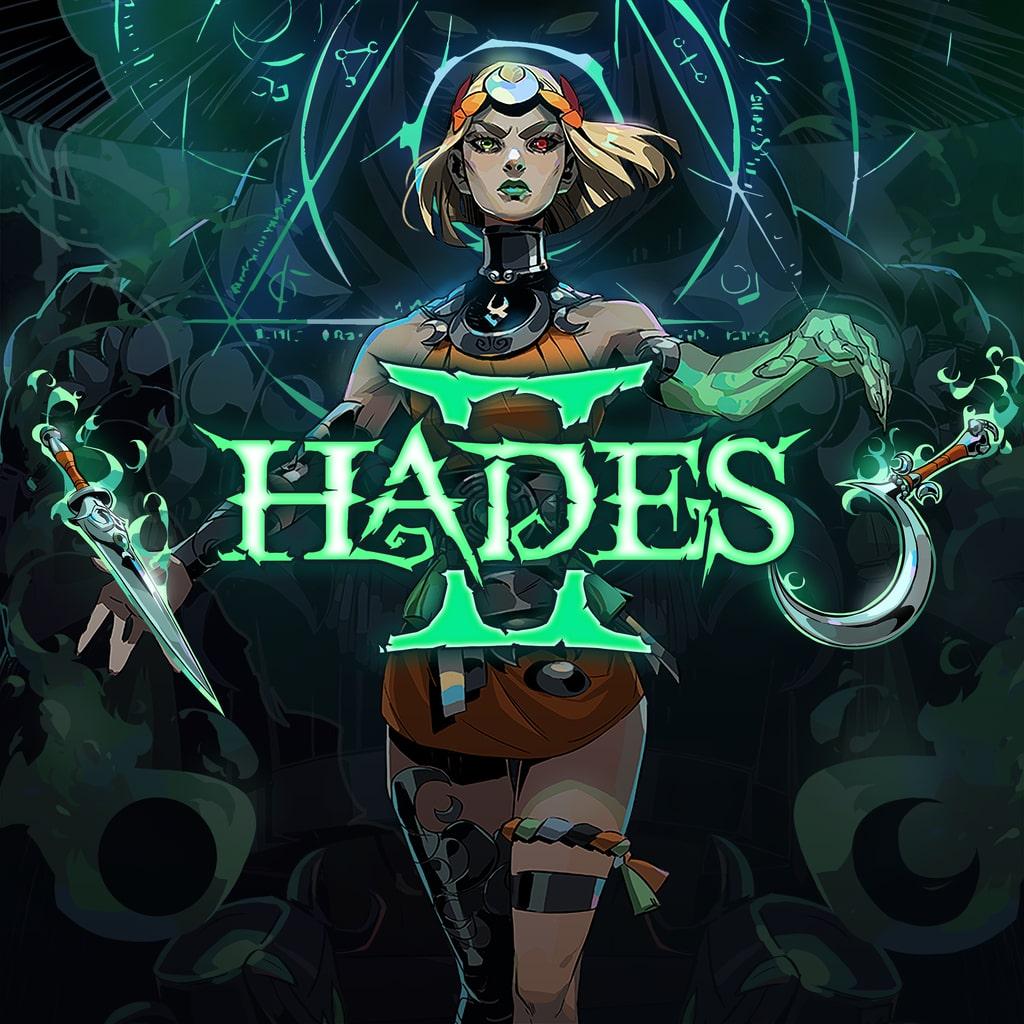
 discount
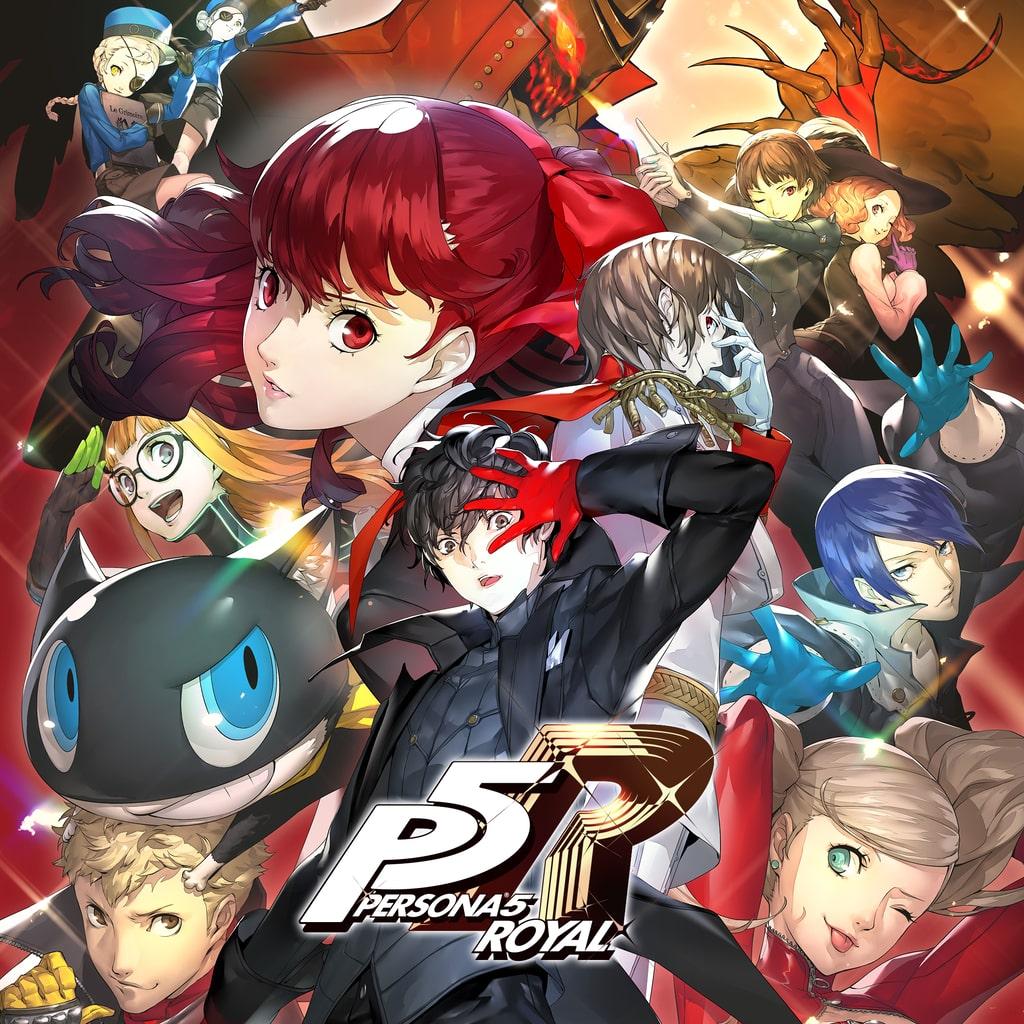 discount
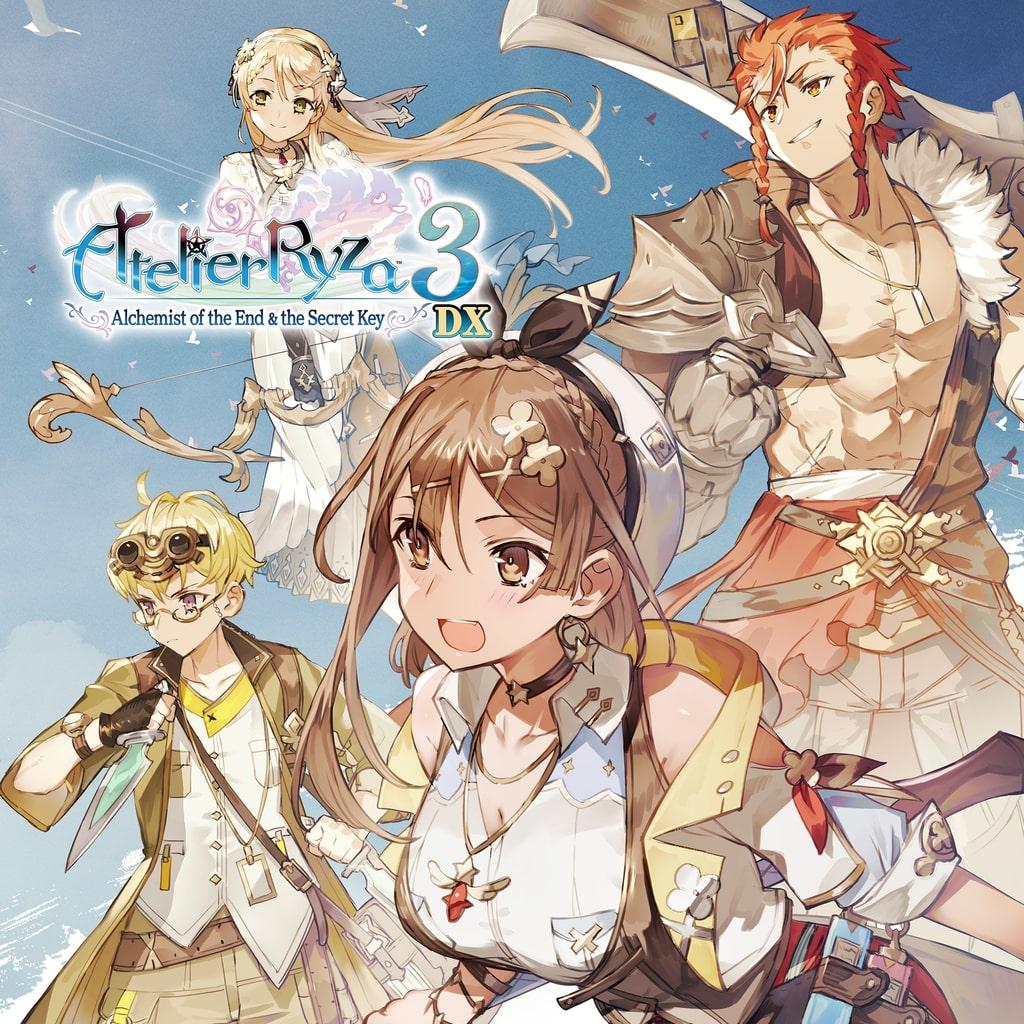



 discount
 discount
 discount
 discount
 discount

 discount
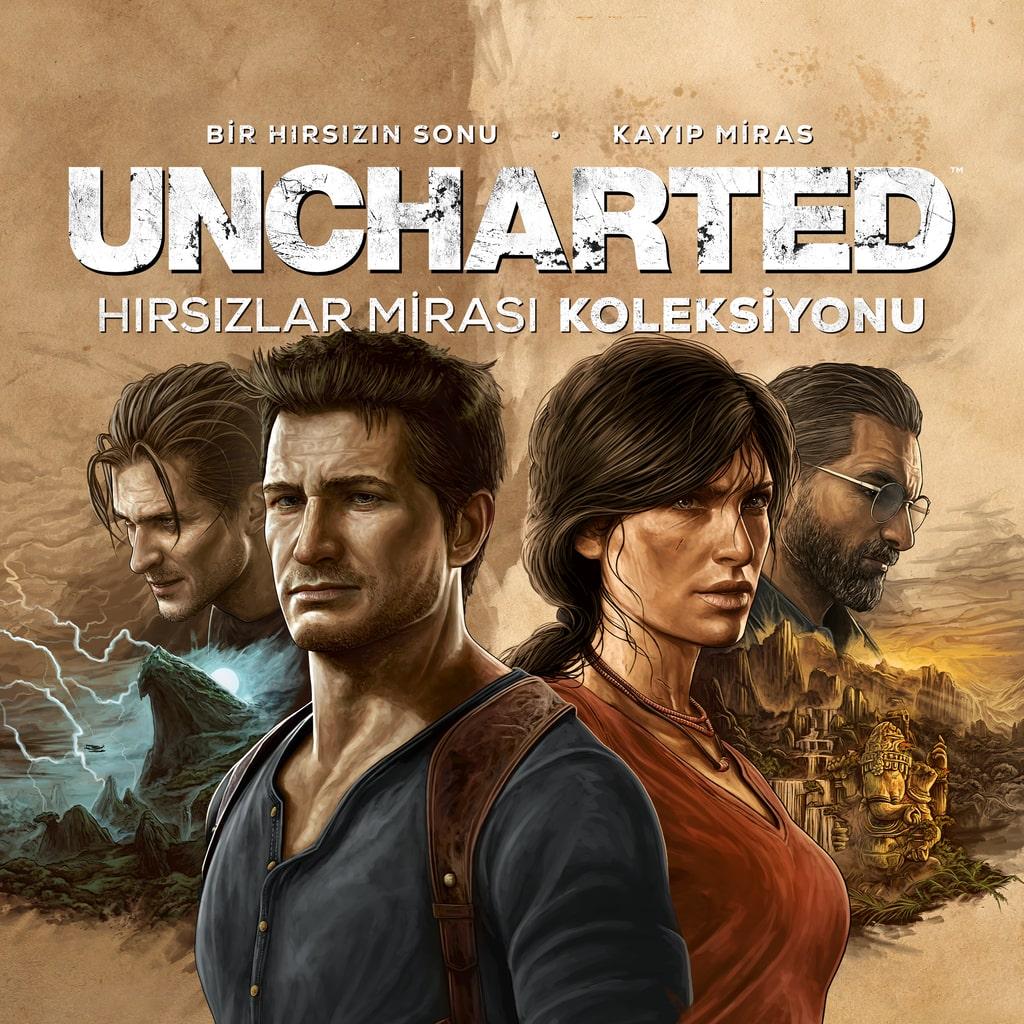 discount
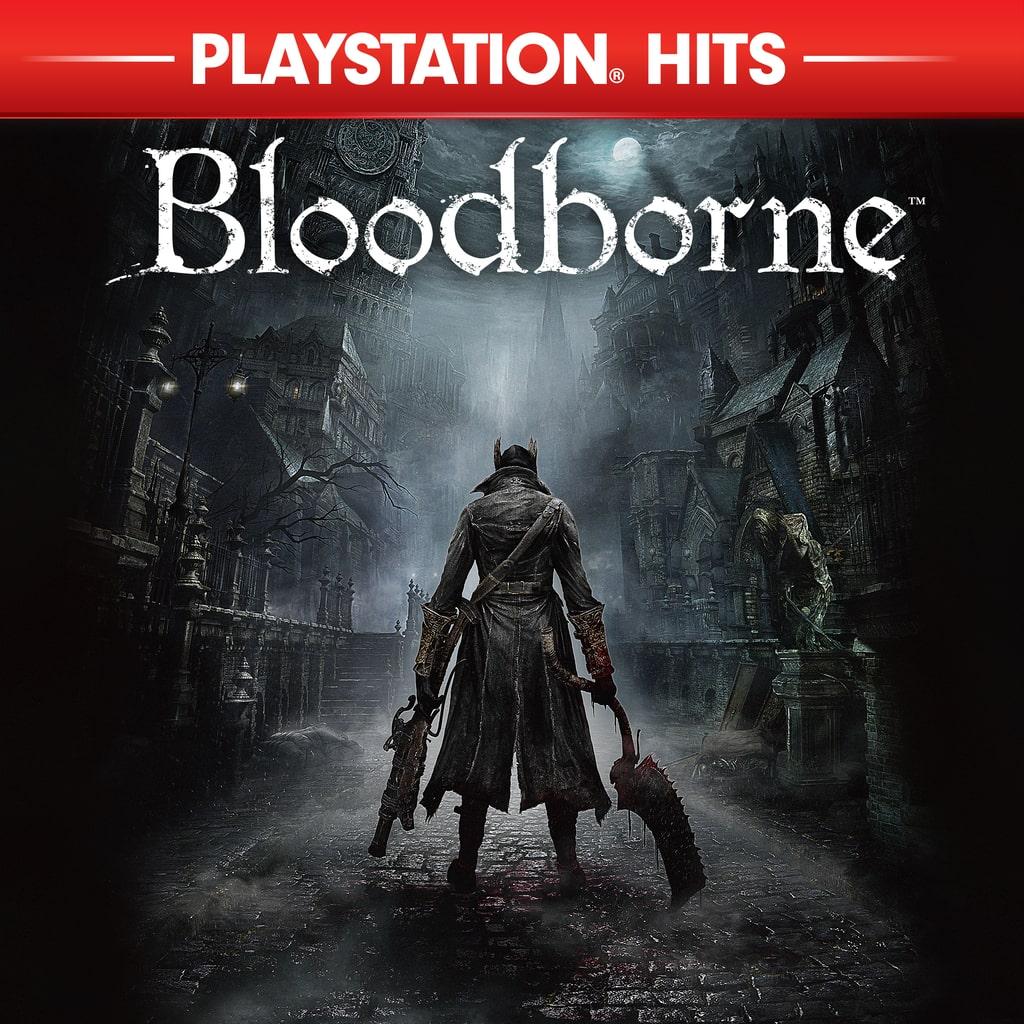 discount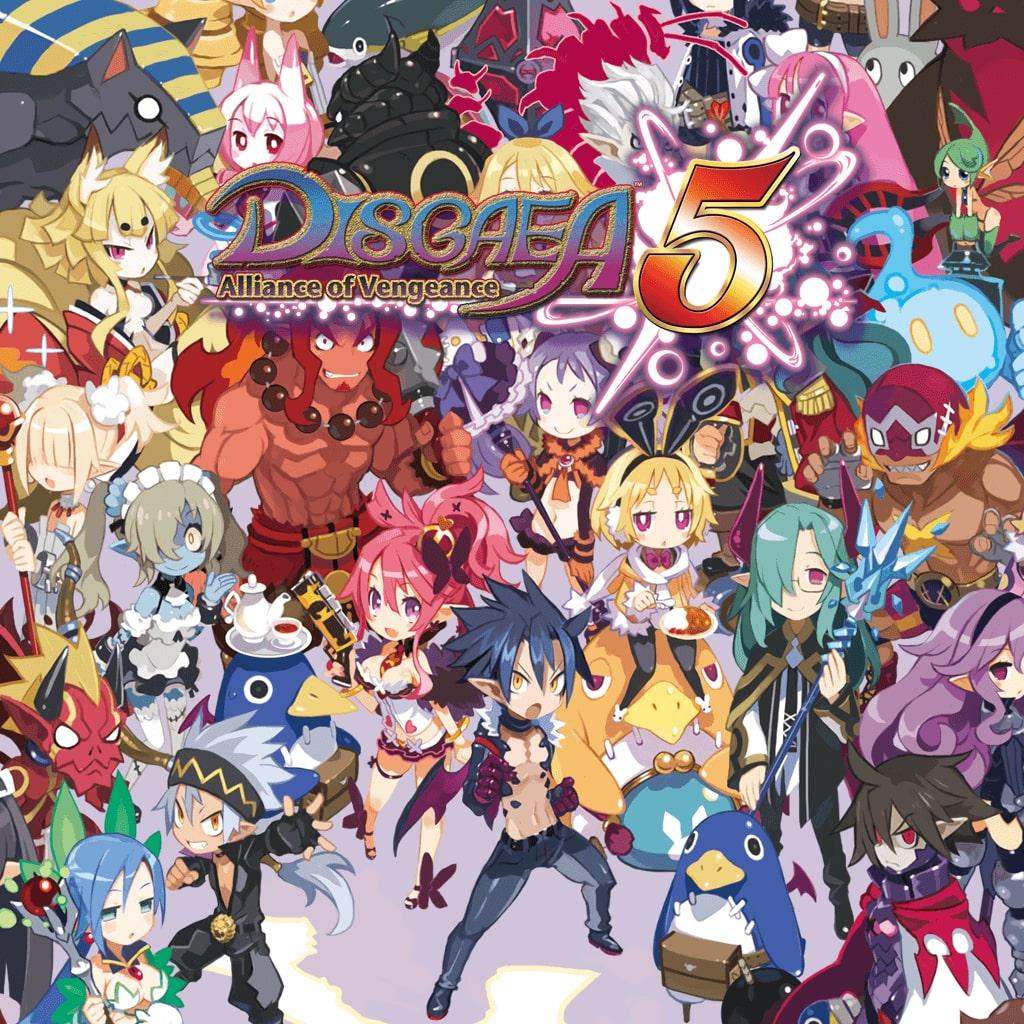

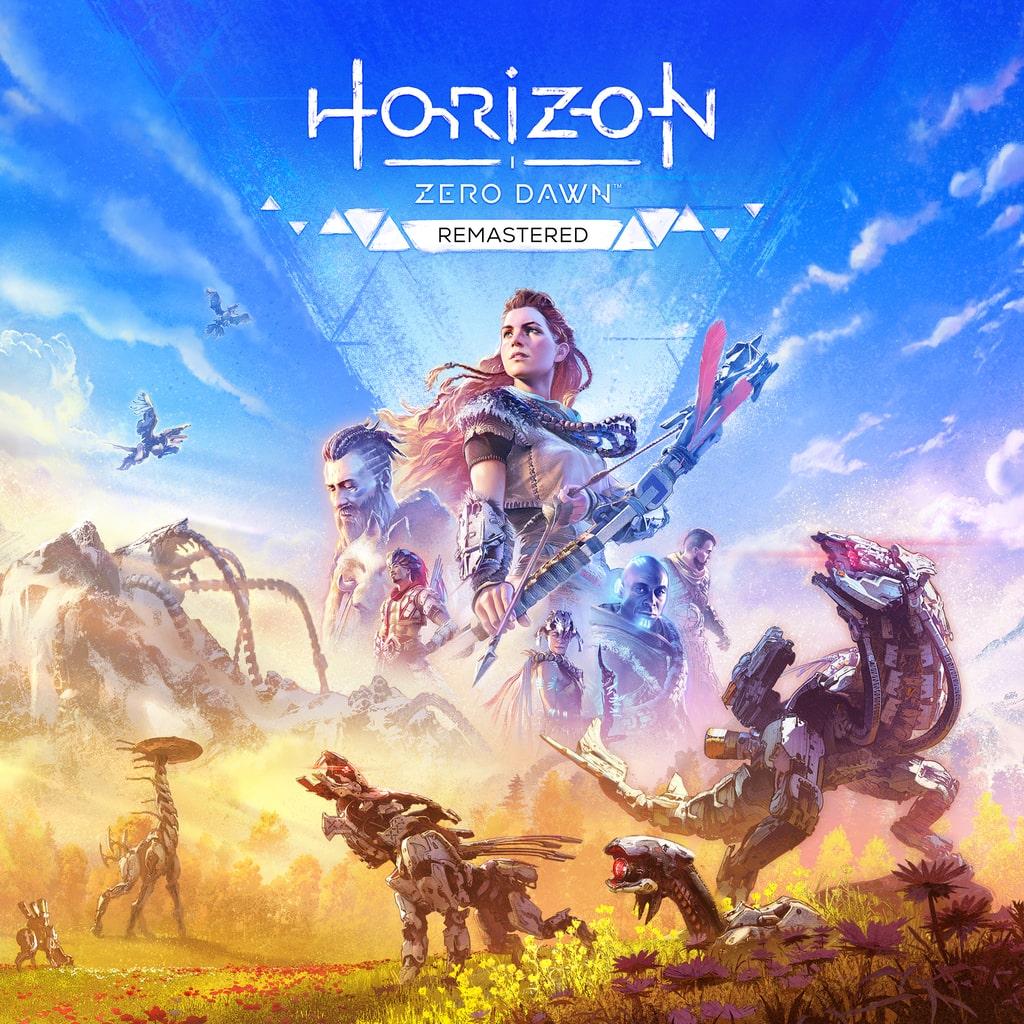
 discount
 discount
 discount
 discount
 discount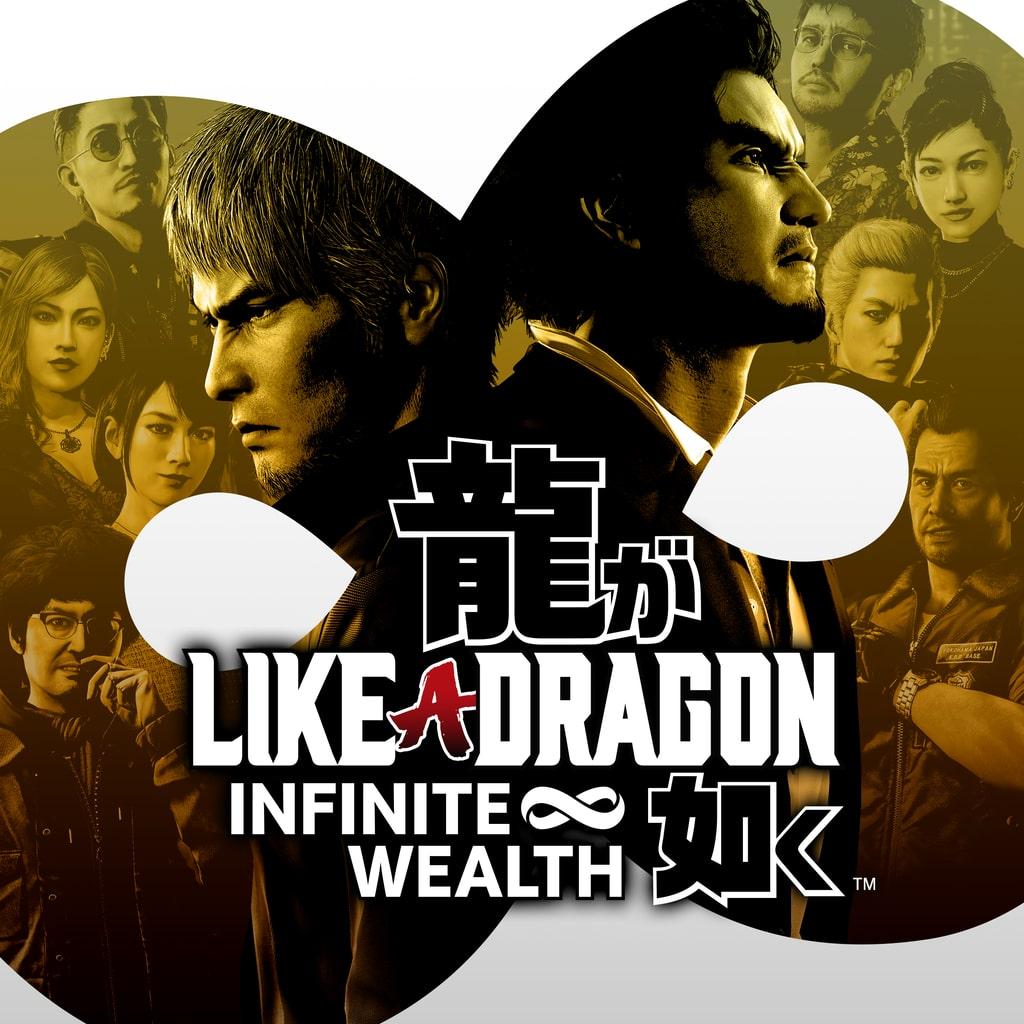
 discount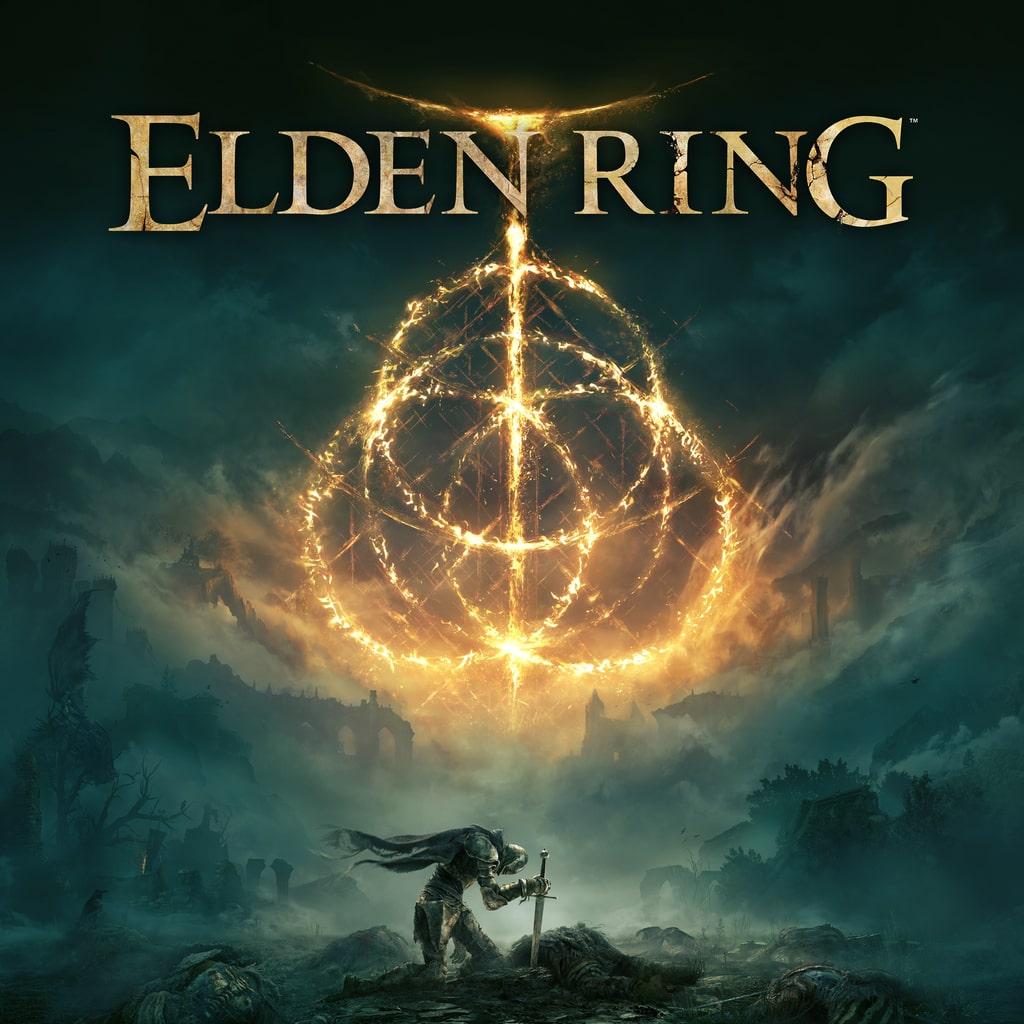
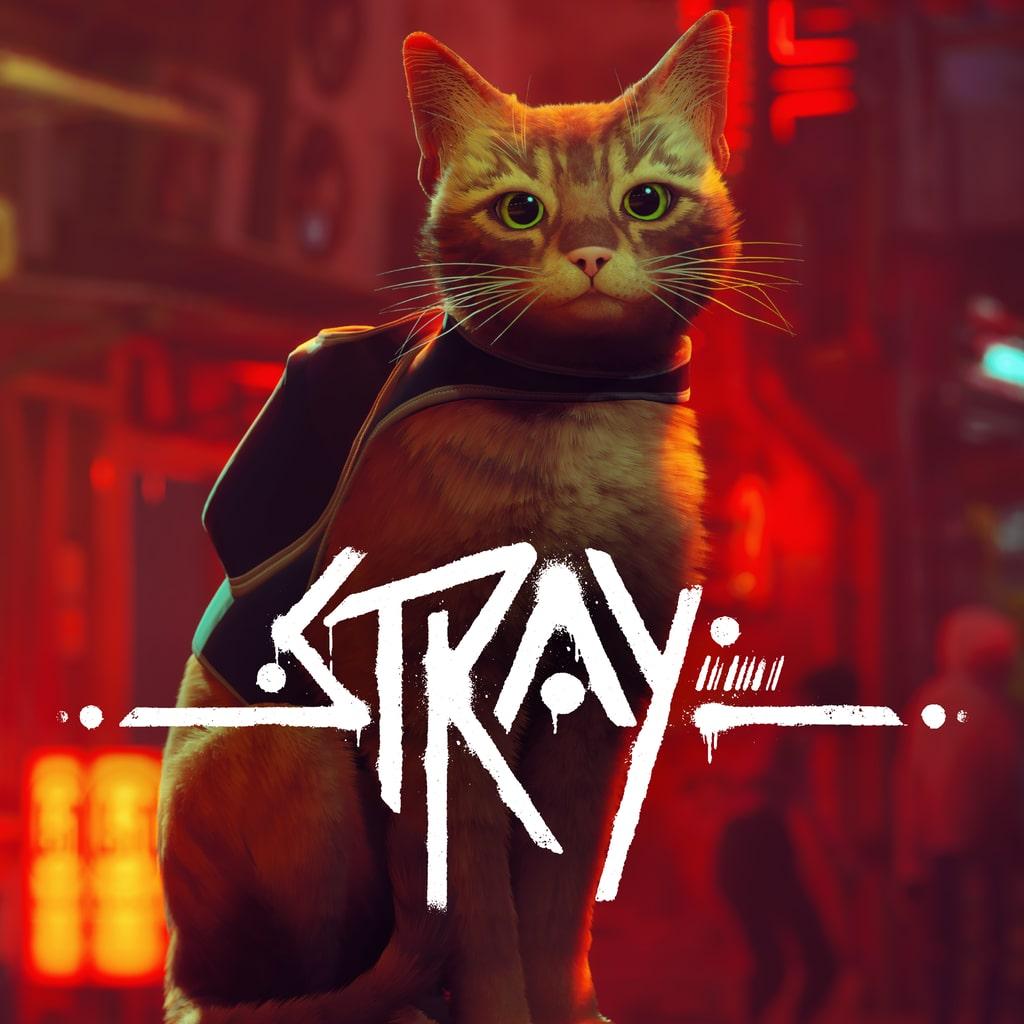
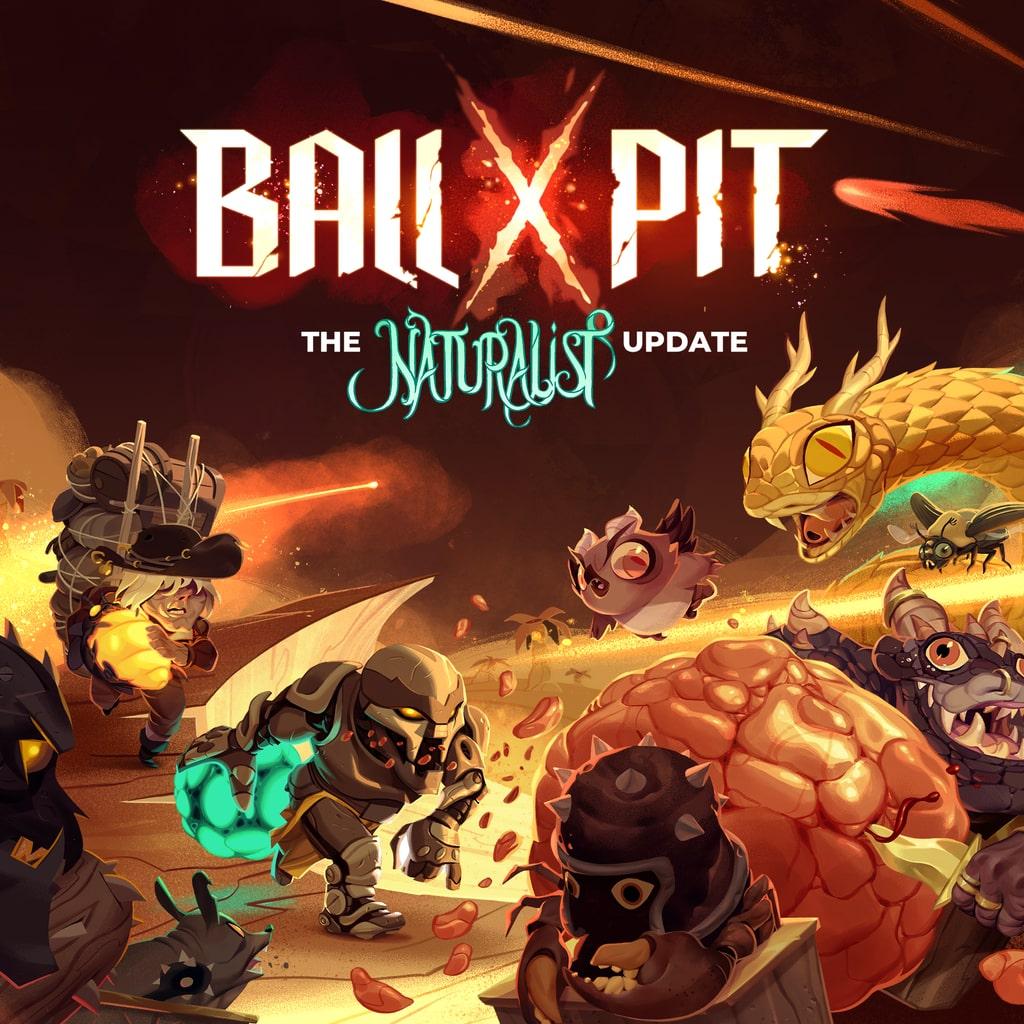
 discount
Calculator for games not in the catalog
Enter the game price from PS Store of the desired region — we'll show the total in USD
Enter the game name or a link — required to place the order
- Open the store for your region: for PlayStation — store.playstation.com or a console with an account from that region; for Xbox — the Turkish Microsoft Store.
- Find the game and check the price in lira (Turkey) or hryvnia (Ukraine) — including any active discount.
- Enter this price into the calculator to see the total in USD.
- Click 'Order' — the manager will confirm the price and buy the game on your account.
Login, password, and two-factor authentication code for an account in the required region — only for the purchase. No account? We sell ready-made ones: PlayStation accounts.
PlayStation and Xbox Games on Demand — Purchased on Your Account
We buy games from the PS Store in Turkey and Ukraine, and from the Turkish Microsoft Store, directly on your account. This is a standard platform store purchase: once the order is completed, the game stays on your account permanently — no shared accounts, no "rentals."
Xbox — via the Turkish Microsoft Store
For Xbox, we work with the Turkish store: the price in lira is calculated using the same calculator as for PlayStation. You'll need a Microsoft account registered in the Turkish region — similar to PlayStation, access is only required during the purchase.
Why It's a Good Deal
Prices in the Turkish and Ukrainian PS Stores are set in lira and hryvnia and are often lower than in many other regions. Since direct purchases in some local stores may be restricted, ordering through Turkey or Ukraine is a reliable way to buy both new releases and classics.
Which Games Can Be Ordered
Any game from the Turkish or Ukrainian PS Store catalog — from the latest releases to classic titles from past years. The regional catalogs differ slightly: if a game isn't available in one, check the other. The price is calculated the same way — based on the cost in lira or hryvnia using the calculator.
What We Need from You
- A PSN account registered in the Turkey or Ukraine region, or a Microsoft account in the Turkish region for Xbox.
- Login and password — only for the duration of the purchase.
- 2FA code (two-factor authentication) — needed by the manager to log in.
After the order is completed, you can change your password: the game is already linked to your account and will remain there.
How to Check the Game Price
- In the PS Store on your console — if you're logged in with an account from the required region.
- On the PS Store website for the required region — the price will be displayed in lira or hryvnia.
Then simply enter the price in TL or UAH into the calculator on the page — it will show the final cost in USD before payment.
How to Place an Order
- Find the game price in lira or hryvnia.
- Calculate the final cost using the calculator.
- Contact the manager @timurjob1: provide the game name and your account region.
- Pay: via cryptocurrency (USDT).
- Provide your login, password, and 2FA code — the manager will complete the purchase within 15–30 minutes.
About Security
Access is only needed during the purchase: the manager logs in, pays for the game, and logs out. We do not change any account details or perform any actions other than purchasing the ordered game. After the order is delivered, we recommend changing your password — this will not affect the purchased game in any way.
Guarantees
- The game stays on your account permanently.
- Full refund before the order is completed.
- The final price is visible in the calculator before payment.
- Support available every day.
Related Articles
- P1, P2, P3 on PlayStation: Activation Types and RisksWhat P1, P2 and P3 mean when buying a PlayStation account: the differences, the risks, and which activation type to pick for PS4 and PS5.
- PS Plus Deluxe on PS4: What Is Included and How to BuyA breakdown of PS Plus Deluxe for PS4: what the tier includes, the classics catalogue, Game Trials, and how it differs from Premium. Plus how to buy it.
- GTA Online Without PS Plus: Myth or Reality in 2026Do you need PS Plus for GTA Online on PS5 and PS4? Whether you can play without a subscription, how GTA+ differs, and how to spend less on online play.