
Xbox Home Console: Sharing One Game Pass and Its Limits

The "My home Xbox" setting makes your games and subscription available to every profile on that console — even when you are offline. That is where the "two people, one subscription" approach comes from. It works, but it has hard edges: a yearly limit on changes, a requirement about your plan, and one unpleasant risk people rarely mention.
How to set your home Xbox
- Press the Xbox button on your controller.
- Go to "Profile & system" → "Settings".
- Open "General" → "Personalization".
- Select "My home Xbox".
- Choose "Make this my home Xbox".
Only one console per account can be the home Xbox: set a new one and the previous console loses that status.
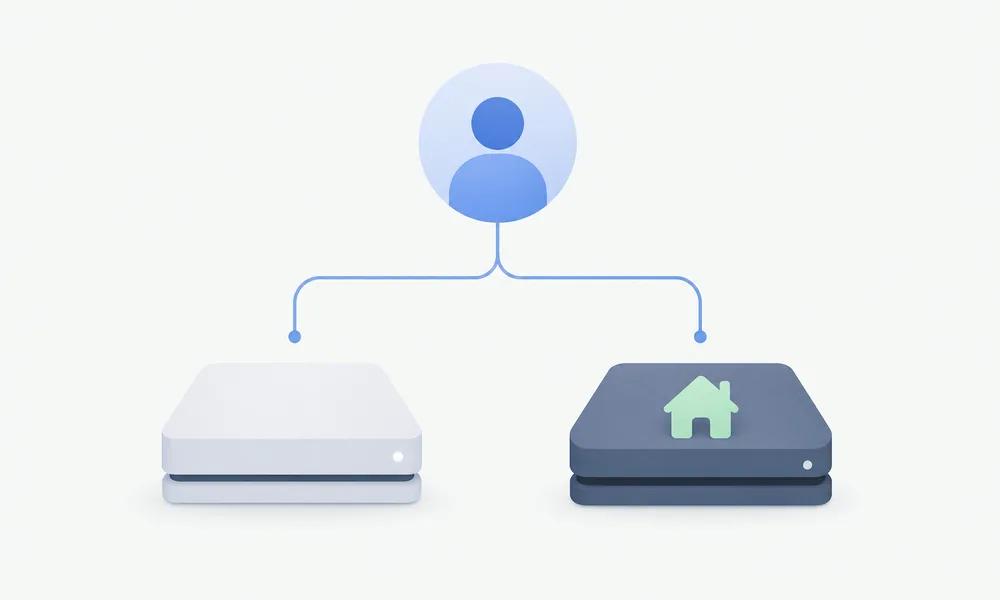
What it unlocks
| For whom | What becomes available |
|---|---|
| Every profile on the home console | Games from the account owner's library |
| Every profile on the home console | The owner's Game Pass subscription |
| The owner on another console | Their own games and subscription while signed in online |
The key detail: on the home console access works without the owner signing in. That is the only reason the two-person setup exists at all.
How two people share it
The arrangement looks like this: the account holding the subscription sets the second person's console as its home Xbox. After that:
- the second person plays under their own profile and uses the library and the subscription;
- the account owner plays on their own console under their own profile at the same time.
Limits worth knowing up front:
- You need a console plan. A PC-only subscription does not work for this.
- The same purchase cannot run twice under one account at the same time — two consoles, one profile, will not work.
- Home console changes are capped at five per rolling year. A slot frees up when the oldest change turns a year old, and support will not lift the cap.
- The second person needs access to your account for the first sign-in. This is the main risk, and it is not a technical one.
The risk, stated plainly
The setup requires someone else to sign in to your Microsoft account once. That gives them access to the account with its entire library, payment methods and recovery email.
With someone close to you this is usually fine. With someone you barely know it is a bad idea: changing the password afterwards does not help, because the home console stays assigned — and at the moment of sign-in the access was complete.
Separately: handing your account to strangers and selling access both go against Microsoft's terms. "Buying access to someone else's Game Pass" is not a saving, it is buying someone else's problem.
Before you sell the console
If the console is leaving your home, remove its home status before it goes, directly on the console. That saves you from the situation where your change slots are used up and the console is no longer within reach.
When your own subscription is simply easier
The home console setup makes sense inside a household. In every other case, getting your own subscription costs less in nerves — no borrowed passwords, no yearly caps.
We set up Game Pass Ultimate on your own account, priced in USD and paid in crypto: we need access for a few minutes, and you change the password once it is done.
| Plan | Option | Price |
|---|---|---|
| Game Pass Ultimate — old-аккаунт | 1 месяц | 1 180 ₽ |
| Game Pass Ultimate — old-аккаунт | 1 месяц + 20 дней | 2 020 ₽ |
| Game Pass Ultimate — old-аккаунт | 3 месяца | 2 750 ₽ |
| Game Pass Ultimate — old-аккаунт | 4 месяца | 3 570 ₽ |
| Game Pass Ultimate — old-аккаунт | 5 месяцев | 4 230 ₽ |
| Game Pass Ultimate — old-аккаунт | 6 месяцев | 4 430 ₽ |
| Game Pass Ultimate — old-аккаунт | 8 месяцев | 5 700 ₽ |
| Game Pass Ultimate — old-аккаунт | 9 месяцев | 6 770 ₽ |
| Game Pass Ultimate — old-аккаунт | 10 месяцев | 7 030 ₽ |
| Game Pass Ultimate — old-аккаунт | 11 месяцев | 7 690 ₽ |
| Game Pass Ultimate — old-аккаунт | 13 месяцев | 8 350 ₽ |
| Game Pass Ultimate — new-аккаунт | 1 месяц | 1 120 ₽ |
| Game Pass Ultimate — new-аккаунт | 1 месяц + 20 дней | 1 350 ₽ |
| Game Pass Ultimate — new-аккаунт | 2 месяца + 20 дней | 2 190 ₽ |
| Game Pass Ultimate — new-аккаунт | 4 месяца | 2 700 ₽ |
| Game Pass Ultimate — new-аккаунт | 6 месяцев | 3 870 ₽ |
| Game Pass Ultimate — new-аккаунт | 7 месяцев | 4 480 ₽ |
| Game Pass Ultimate — new-аккаунт | 8 месяцев | 5 090 ₽ |
| Game Pass Ultimate — new-аккаунт | 9 месяцев | 6 010 ₽ |
| Game Pass Ultimate — new-аккаунт | 10 месяцев | 6 720 ₽ |
| Game Pass Ultimate — new-аккаунт | 11 месяцев | 7 130 ₽ |
| Game Pass Ultimate — new-аккаунт | 12 месяцев | 7 640 ₽ |
| Game Pass Ultimate — new-аккаунт | 13 месяцев | 8 140 ₽ |
Frequently asked questions
How often can I change my home Xbox?
Five times per rolling year. Slots free up as old changes turn a year old. Support cannot reset the counter.
Does it work if the account owner is playing at the same time?
Yes, as long as each person plays a different game. One account cannot run the same purchase on two consoles simultaneously.
Does the second person need an internet connection?
Not always for games, but yes for the subscription and online play. The owner does not need to be signed in, though.
What happens if the owner changes the password?
The home console stays assigned: the setting is tied to the console, not to the session.
Can I share a PC subscription the same way?
No, the home console setting works for consoles only. A PC-only plan does not qualify.
Is this allowed under Microsoft's rules?
Sharing within a household is anticipated by the rules. Selling account access and handing credentials to strangers is not.